Notifying with Slack
This is accomplished using Seq.App.Slack, a plug-in (originally contributed by David Pfeffer and the Seq community) developed and maintained on GitHub.

Installing the App
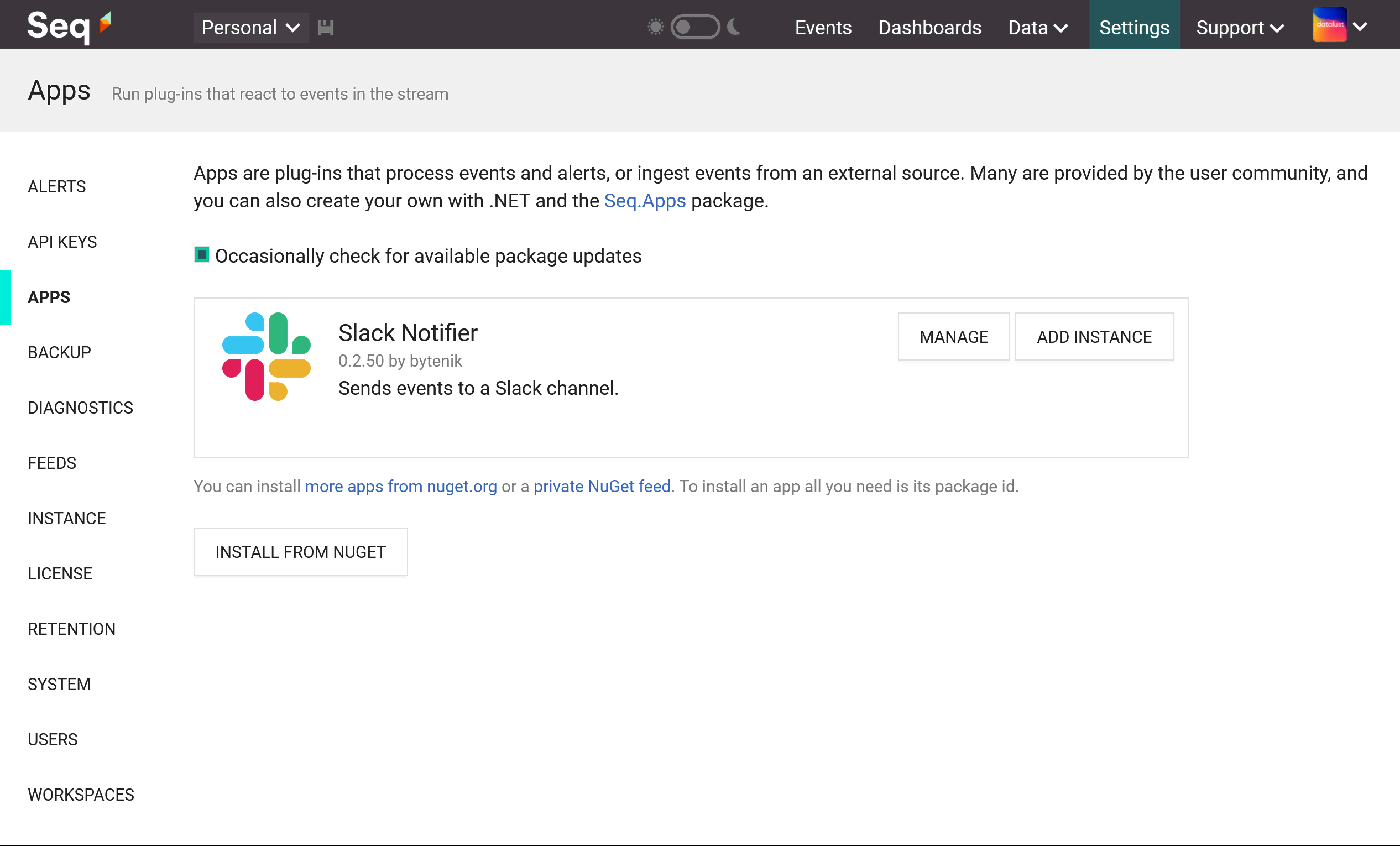
The first step is to install the plug-in via Settings > Apps. The package id is Seq.App.Slack.
After the package is downloaded and unpacked, you should see it appear in the list of installed apps:
Adding an Instance
The Slack app needs to be configured with details of your Slack server. To do that, select Add Instance next to the app name.
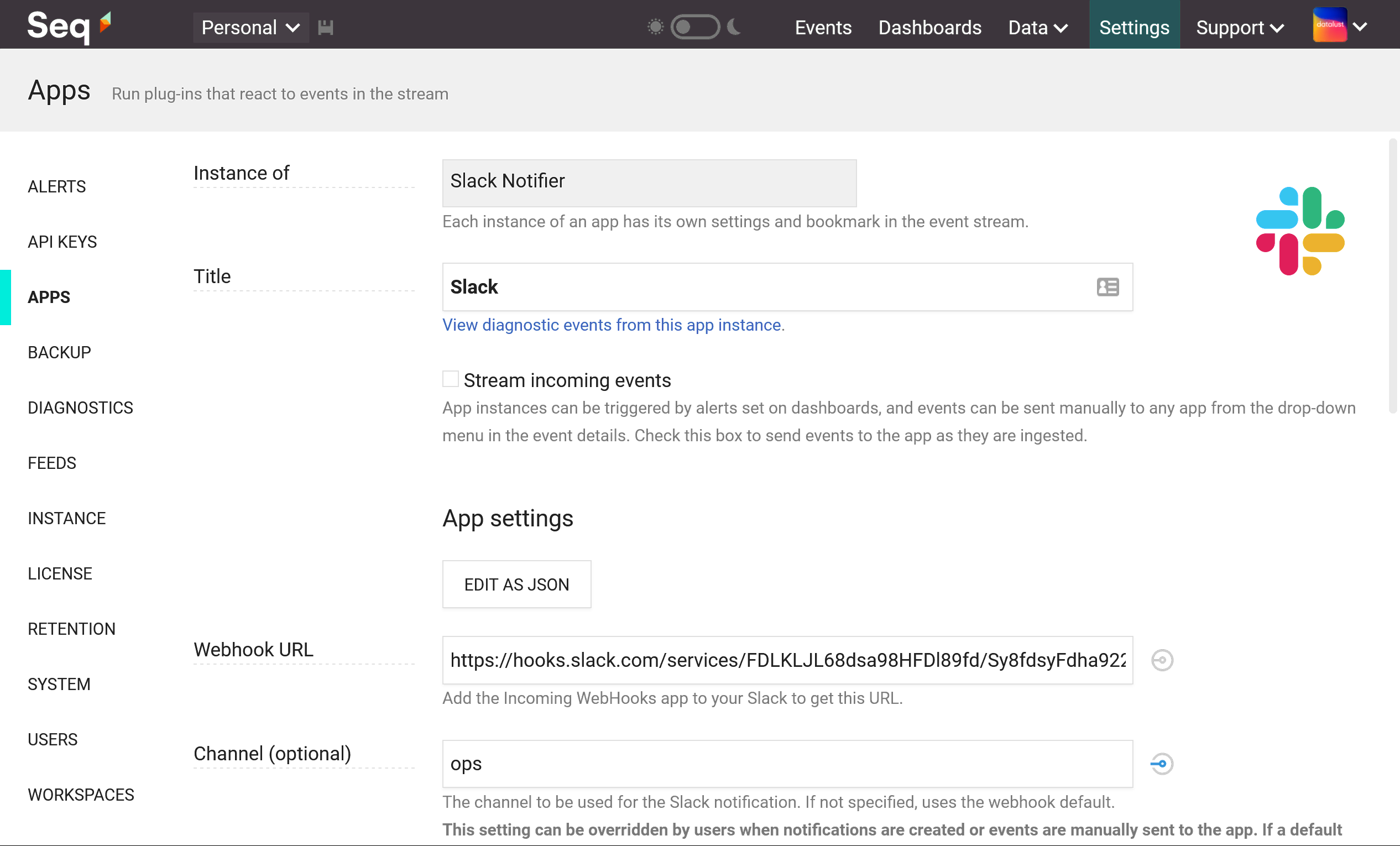
If you want to stream events directly to Slack, choose Stream incoming events. This isn't necessary, however, if you plan to use Alerts to send notifications.
Check the Slack documentation for how to create a webhook URL.
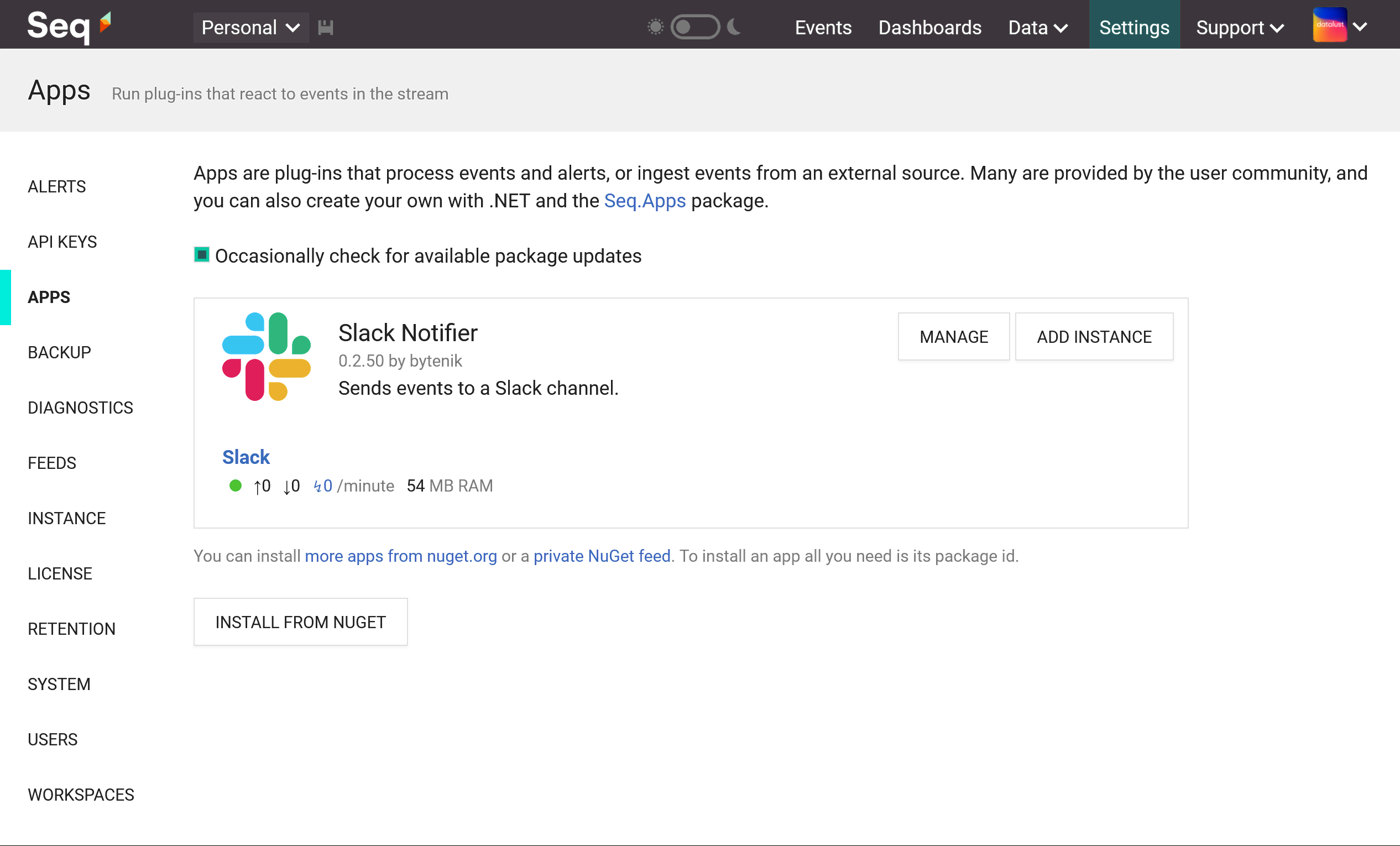
Once the instance is configured it will appear under the Slack app with some statistics showing events sent and received, and diagnostic events raised:
Linking Back to your Seq Server
The messages sent to Slack by Seq include a link back to view the event on the Seq server. This uses the address on which Seq is configured to listen - http://localhost:5341 by default.
To set a different address:
Use the Seq command-line to set api.canonicalUri:
seq config set -k api.canonicalUri -v https://your-seq-server
seq service restart
Set the SEQ_API_CANONICALURI environment variable to the public address of your Seq server when starting the container.